
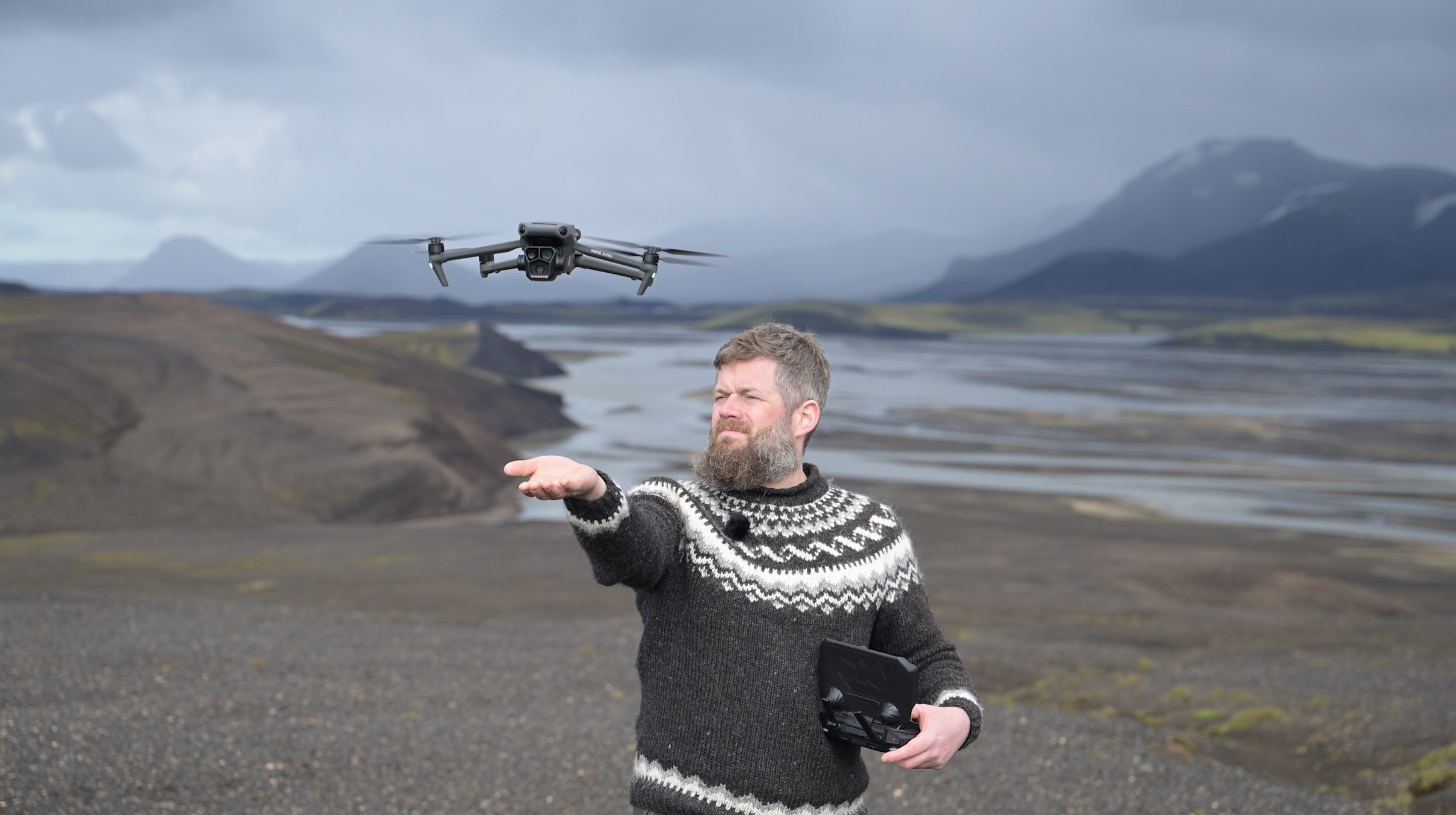
So you’ve crashed and lost your drone, eh? It happens to the best of us! Maybe the wind picked up more than you expected, or you got disoriented while the battery slowly crept toward zero. Don’t worry, recovering your drone isn’t always as hard as it feels in the moment. In this quick guide, I’ll walk you through a series of practical tips you can use to track down and retrieve a lost drone.
If you’re new to flying a drone, you might also find my guides on drone regulations in Iceland, my drone photography workshops, and my recommendations for the best drone for photography helpful.
A quick note before we start: this article focuses on DJI drones. Other brands may not offer the same features or recovery options mentioned here.
In the next few months, I will be sharing short little blogs such as this one with easy tips which most photographers are perhaps unaware of. If you find them useful, make sure to let me know in the comments!
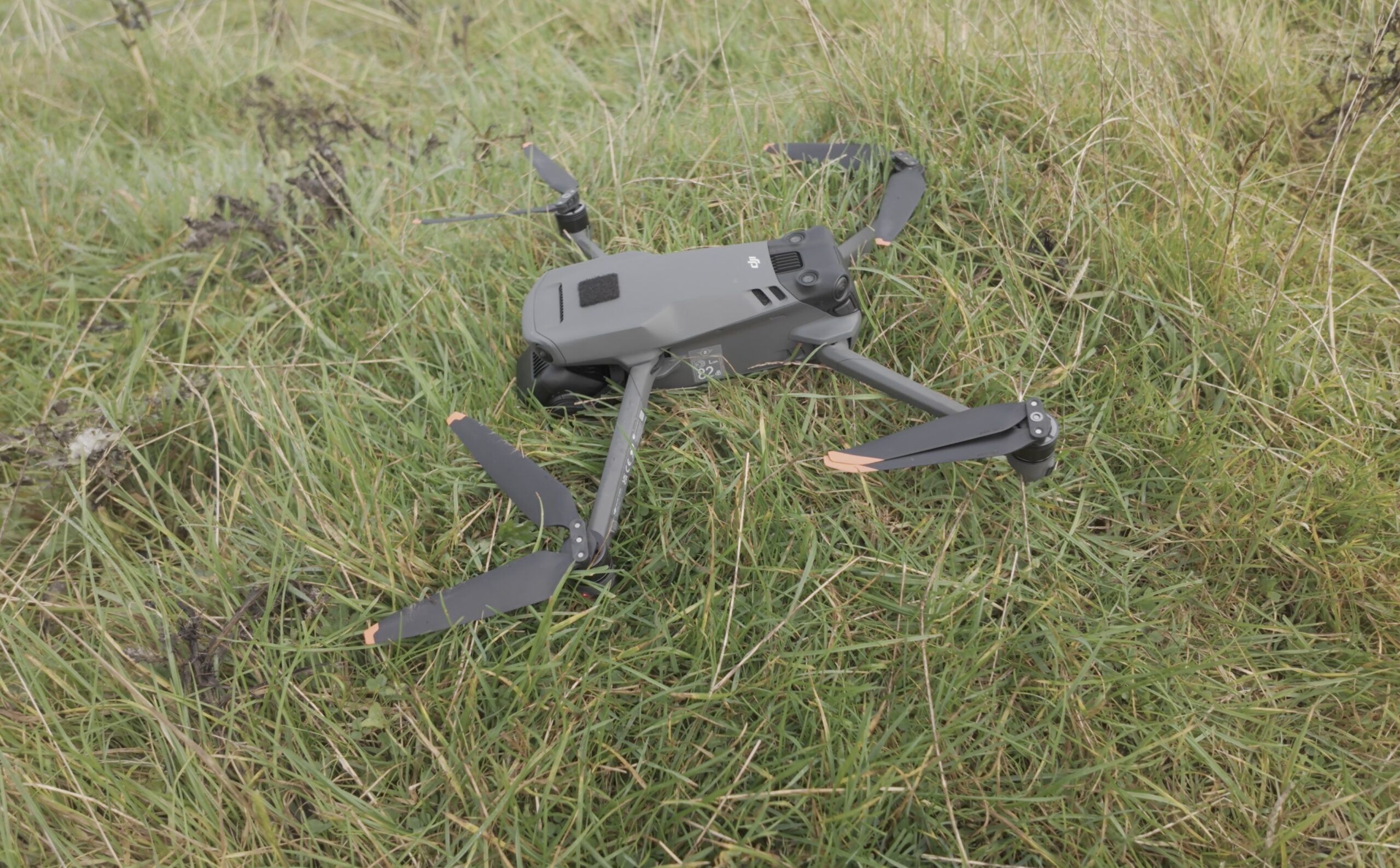
Losing your drone after an unfortunate emergency landing can happen to the best of us but fortunately, there are easy ways to find your drone!
How Can I Find The Last Known GPS Coordinates Of My Drone?
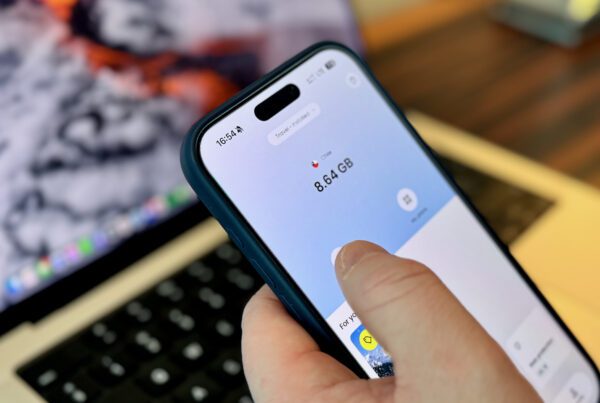
One of the handiest features on DJI drones is that the remote controller always locally registers the GPS coordinates of the drone. This means that when you lose connection to the drone, the drone gets lost or it crashes somewhere, you will always know where exactly it was last. Whether you are using your smartphone or a dedicated remote controller, it is easy to find those coordinates in the DJI Fly app.
Here is how you can get the last known GPS coordinates:
- Open the DJI Fly app.
- In the main menu, press the Profile button at the bottom center.
- Press ‘Find My Drone’ in the menu on the righthand side.
- At the bottom left, you will see the last recorded location of your drone.
- If you are using a smartphone connected to your controller, you can press ‘Use Other Maps’ to open the coordinates in another navigation application such as Apple Maps or Google Maps to make your search easier.
Another helpful feature, which can be found in the same menu, is the ‘Start Flashing and Beeping‘ button which will make the LED’s on your drone flicker while also emitting a loud beeping sound.
Finally, it is vital to leave your controller switched on when looking for your drone as it could regain the connection if it still has battery left. This goes whether you are using a dedicated controller or your smartphone connected to a controller.
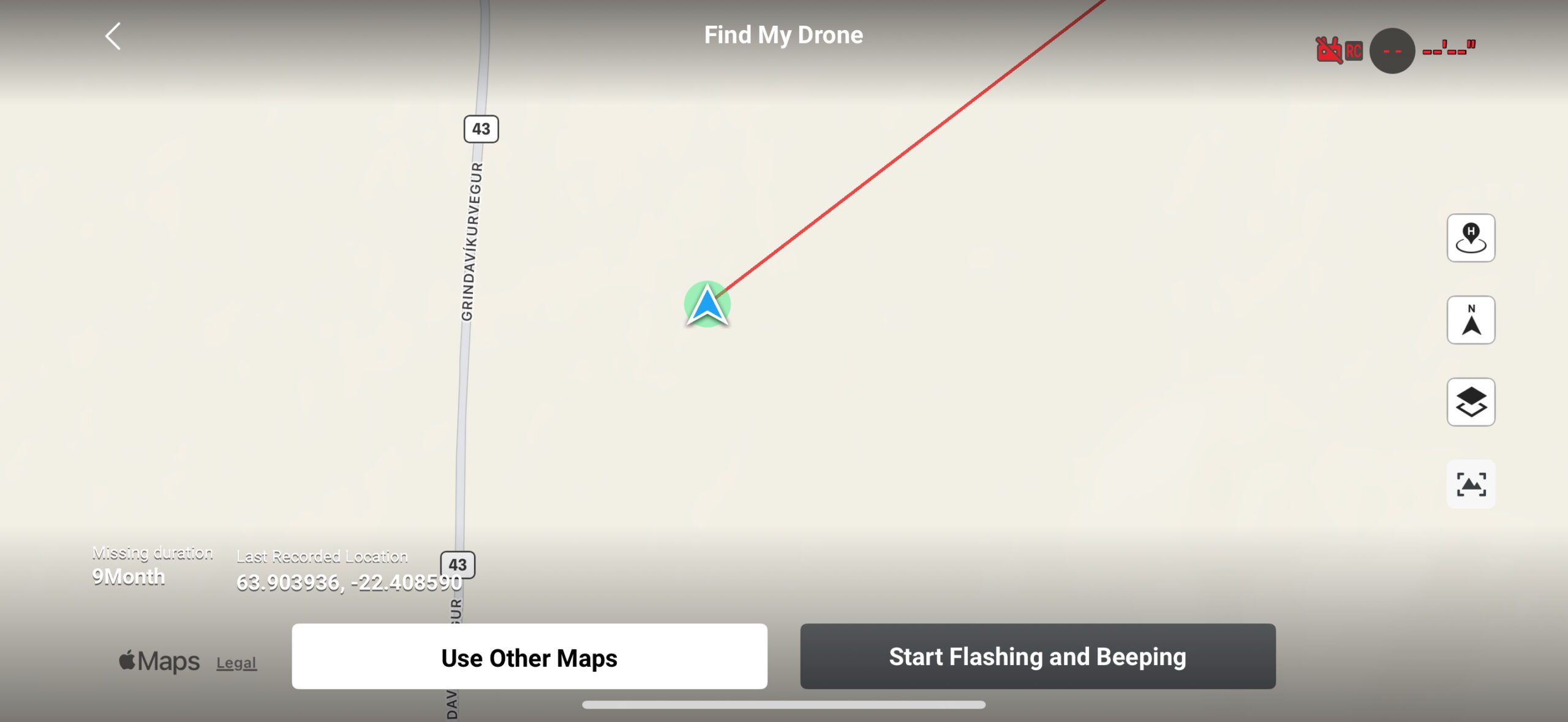
Thanks to a useful recovery feature in the DJI Fly app, you can easily trace back the exact GPS coordinates over when you last had contact with the drone.
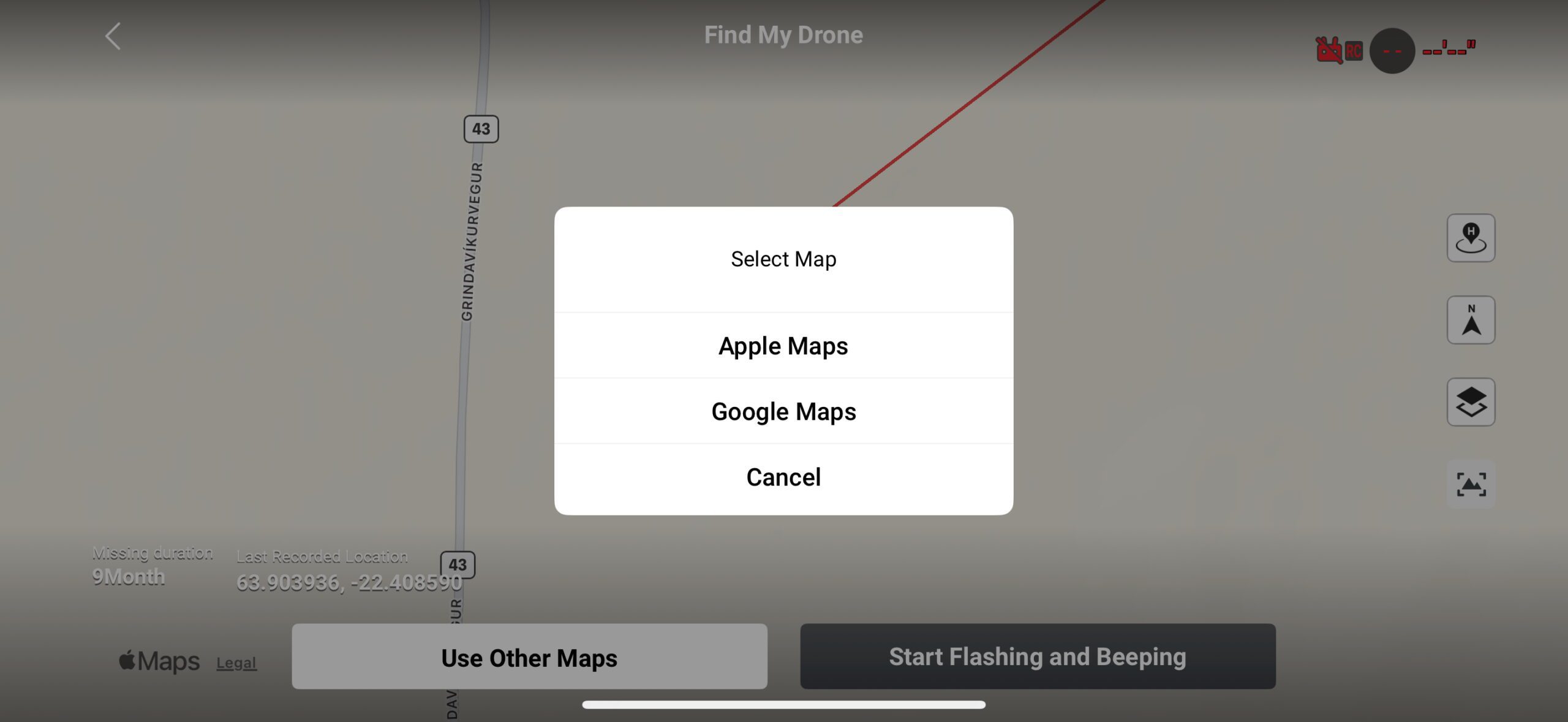
To make finding your drone back easier, you can open the coordinates in a dedicated navigation app if you are using your smartphone as a controller.
The Best Tip: Avoid Losing Your Drone! But How?
I know, it’s easy to say afterwards! But, after explaining how you could trace back your lost drone, I believe it’s good to look at what you can do to avoid losing it a second time (or third or fourth or …). Below are a few tips and tricks that I find extremely important to help avoid losing your drone.
- Make sure the AR Home Point (Augmented Reality Home Point) is enabled in the settings. This will allow you to see where your home point is on the screen by marking it with a big yellow H. If you can’t see this functionality, make sure your drone is up-to-date with the latest firmware. On newer drones, the AR Home Point functionality is enabled by default.
- When you are flying your drone, always keep an eye on any possible obstacles that may prevent you from fetching your drone in case of an unexpected emergency landing, for example due to a depleted battery. By this I mean that you should not necessarily fly back the shortest way but the route that makes sure you do not have to cross any difficult obstacles such as rivers, cliffs, … when retrieving your drone in case it has to land away from your home point.
- When possible, avoid having to fly back to your home point against the wind. While DJI drones have gotten better at estimating when you should return home to avoid not getting back at all, it’s not perfect. Especially in heavy, or unexpected, head winds it can still make wrong estimations.
- But what if your only option is to fly back into the wind? Before leaving your home point, try to fly away from your position by flying into the wind. This way you will know how fast you can fly back with headwind but also how well (or perhaps not well) your drone will handle that head wind. This way, you go in prepared and won’t be caught by an unpleasant surprise when trying to return back to your home point.
- Finally, and most importantly, you should understand and know your drone’s capabilities. Knowing when not to fly is an extremely important skill!
FAQ: Finding A Lost Or Crashed Drone
Can I Find My Drone If The battery Has Already Died?
Yes, but it becomes harder. The key is to rely on the last known GPS location shown in DJI Find My Drone. Even after the battery dies, the DJI Fly app will still show the final recorded GPS coordinates. That of course means you will need to search the area manually, starting with the point where the log ends and working outward in a slow, methodical pattern.
How Accurate Is The Last Known Location In The DJI Fly App?
It depends on the environment. In open terrain with a clear sky view, I have found that the location is usually very accurate, often within a few meters. In mountainous areas, valleys, forests or areas with magnetic interference, the accuracy can drop. Strong winds can also cause drift, so always expand your search radius.
Why Didn’t My Drone Automatically Return To Home?
There can be several reasons. The most common ones are flying low or behind an obstacle, wind preventing the drone from climbing to the previously set RTH height, a rapidly depleting battery, or the home point not being recorded correctly. Reviewing the flight log afterwards usually shows what happened.
What Should I do First When My Drone Disconnects?
First and foremost: stay calm! Give the drone a few seconds to reconnect while keeping the remote pointed in its direction. Depending on how far you were flying, this may even take up to half a minute. Also make sure you are facing the flat parts of the external antennas (if you have them) towards the area you were flying in. If your drone doesn’t reconnect, open the map view to check where the signal was lost and note the drone’s height, distance and flight path. This quick check often saves time during recovery.
How Far Can A Drone Drift After Losing Signal?
If the drones crashed and the wind is strong, a drone can drift quite far, especially lightweight models like the Mini series. The higher you were flying, the more pronounced the drift can be. Once the battery dies, the drone will fall straight down, so note wind direction and speed when searching. If your drone didn’t crash, it will likely try and return to its home point automatically.
Can I Locate My Drone Without GPS Coordinates?
It’s possible, but more challenging. Start at the point where the connection dropped, follow the last direction of flight, and look for visual or audio clues such as beeping or flashing if the drone still has power. Drones often blend into vegetation or rocky terrain, so search slowly and methodically. A good preventative measure could be to add reflective stickers to the drone so it can be easier to spot.
Does The “Find My Drone” Function Work In All Situations?
It works well while the drone still has power. The flashing and beeping features are extremely helpful in low visibility or dense vegetation. Once the battery dies, you’re limited to the map and flight log, so it’s best to activate these features early if you suspect the drone has gone down.
What’s The Best Way To Search The Ground Once I’m At The Last Known Location?
Move slowly and sweep the area in small grids. Keep the controller map open so you stay close to the recorded point. Pay close attention to the terrain because drones can blend in easily, and dark propeller arms often disappear into shadows, moss or rocks if you’re not looking carefully. Also make sure to keep your controller switched on in case the drone still had power but crashed outside of your original line of sight.
DISCOUNT
The Drone Photography Masterclass – Video Course
Nigel Danson & Jeroen Van Nieuwenhove‘s complete drone photography video masterclass will explore everything you need to know to start creating the best aerial photographs using any type of drone in 50+ detailed videos. Whether you are a complete beginner or an advanced drone pilot, this video course contains a vast amount of information to level up your drone photography skills.
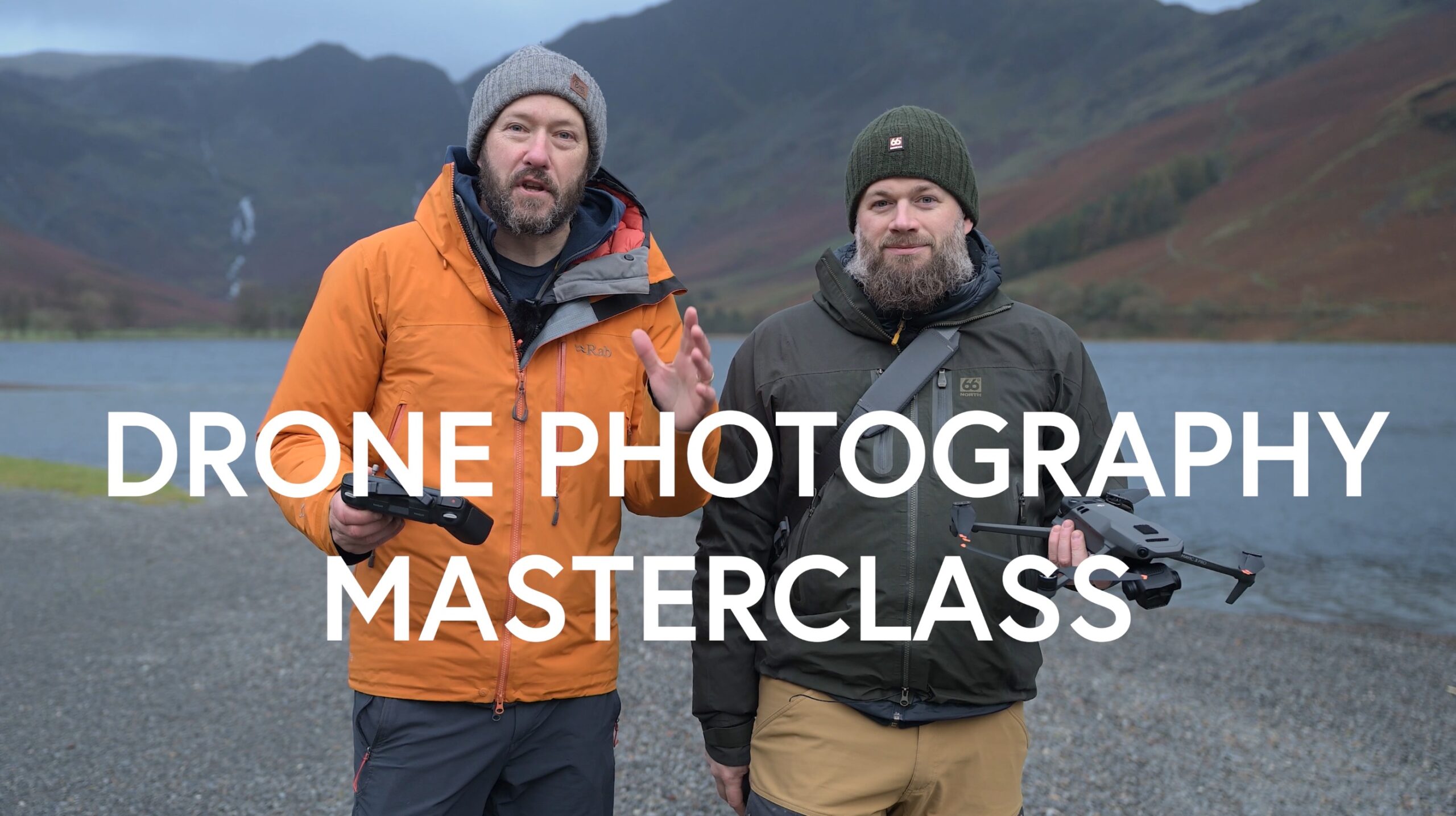
Learn Drone Photography
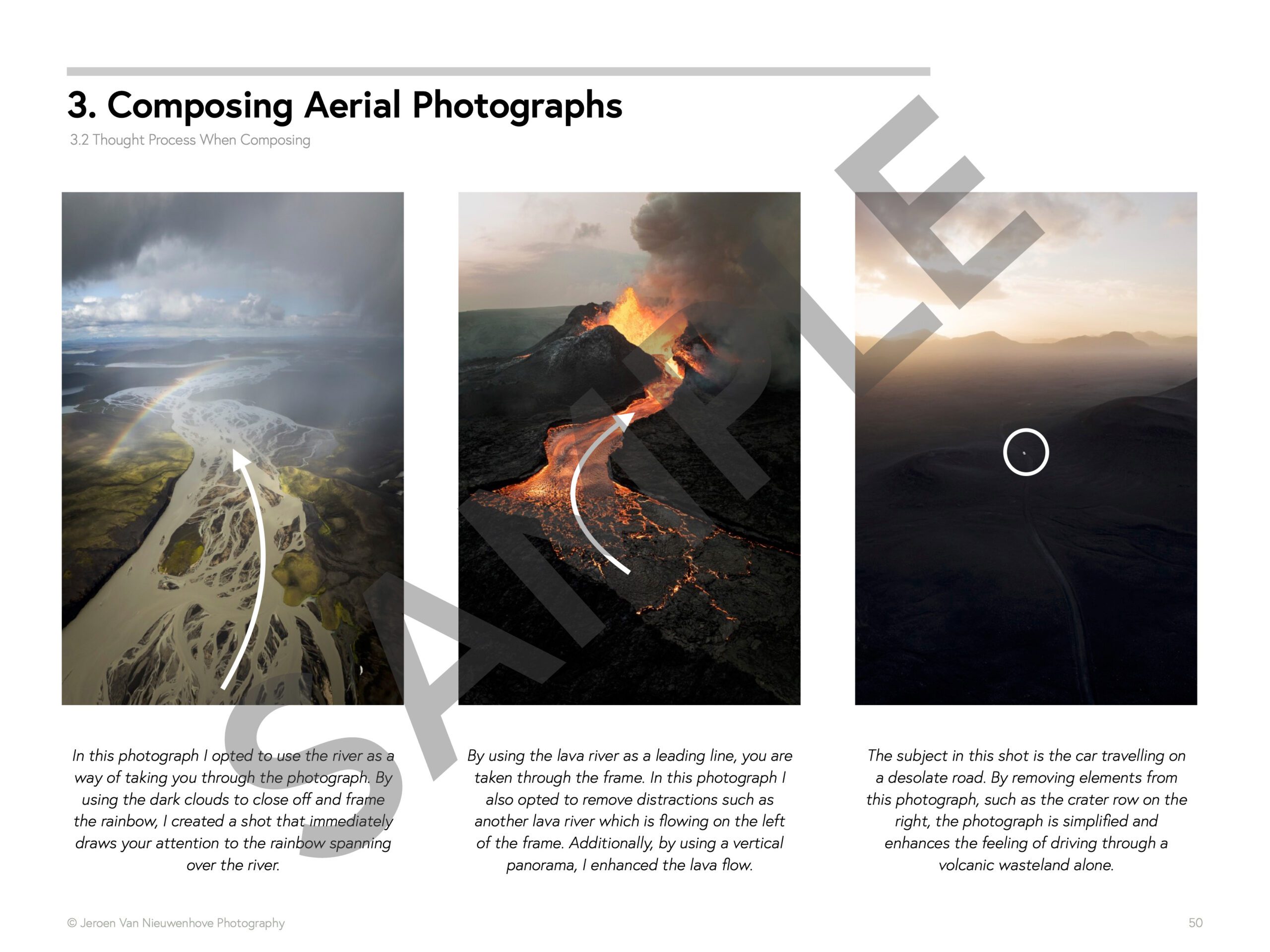
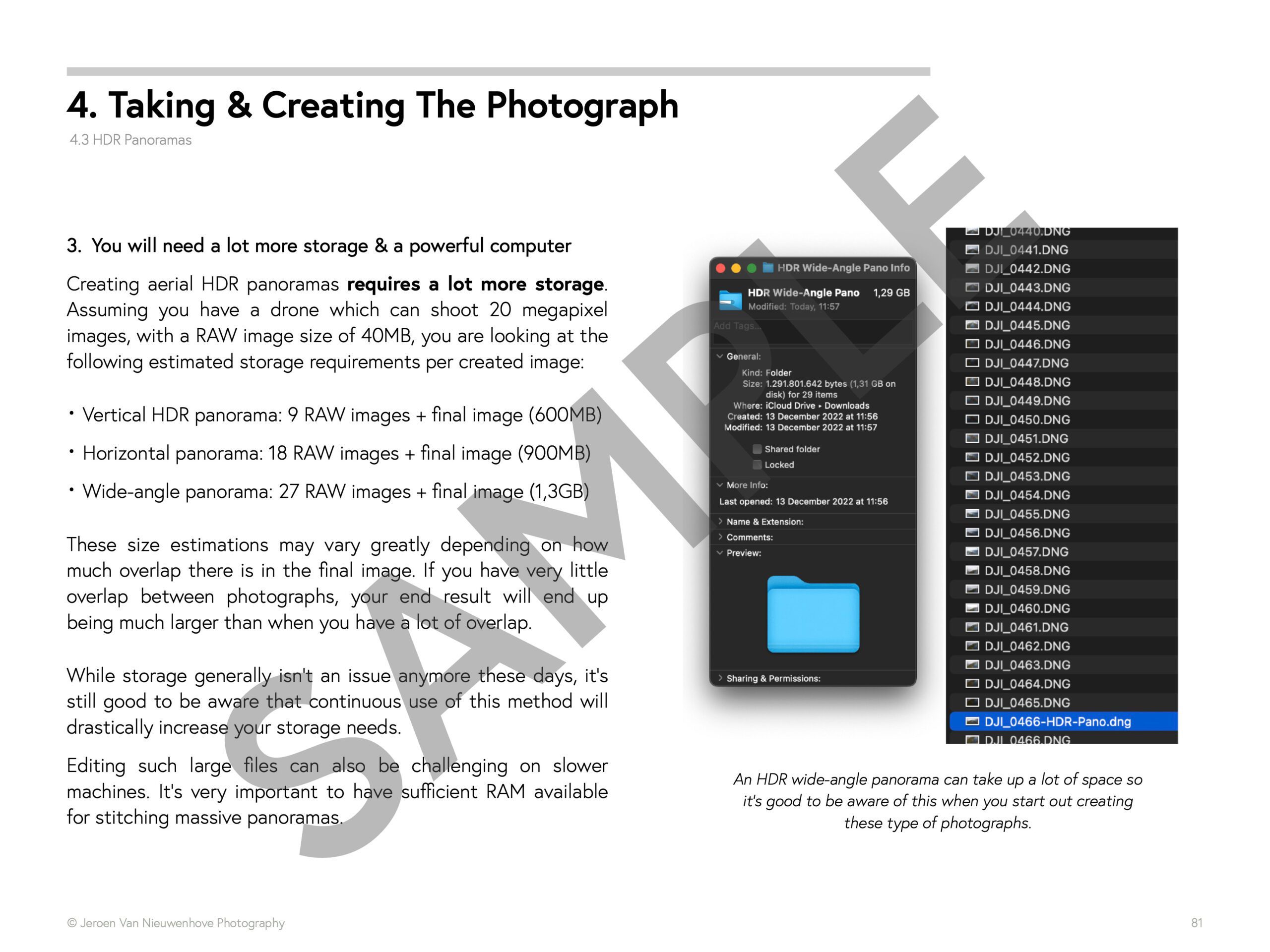
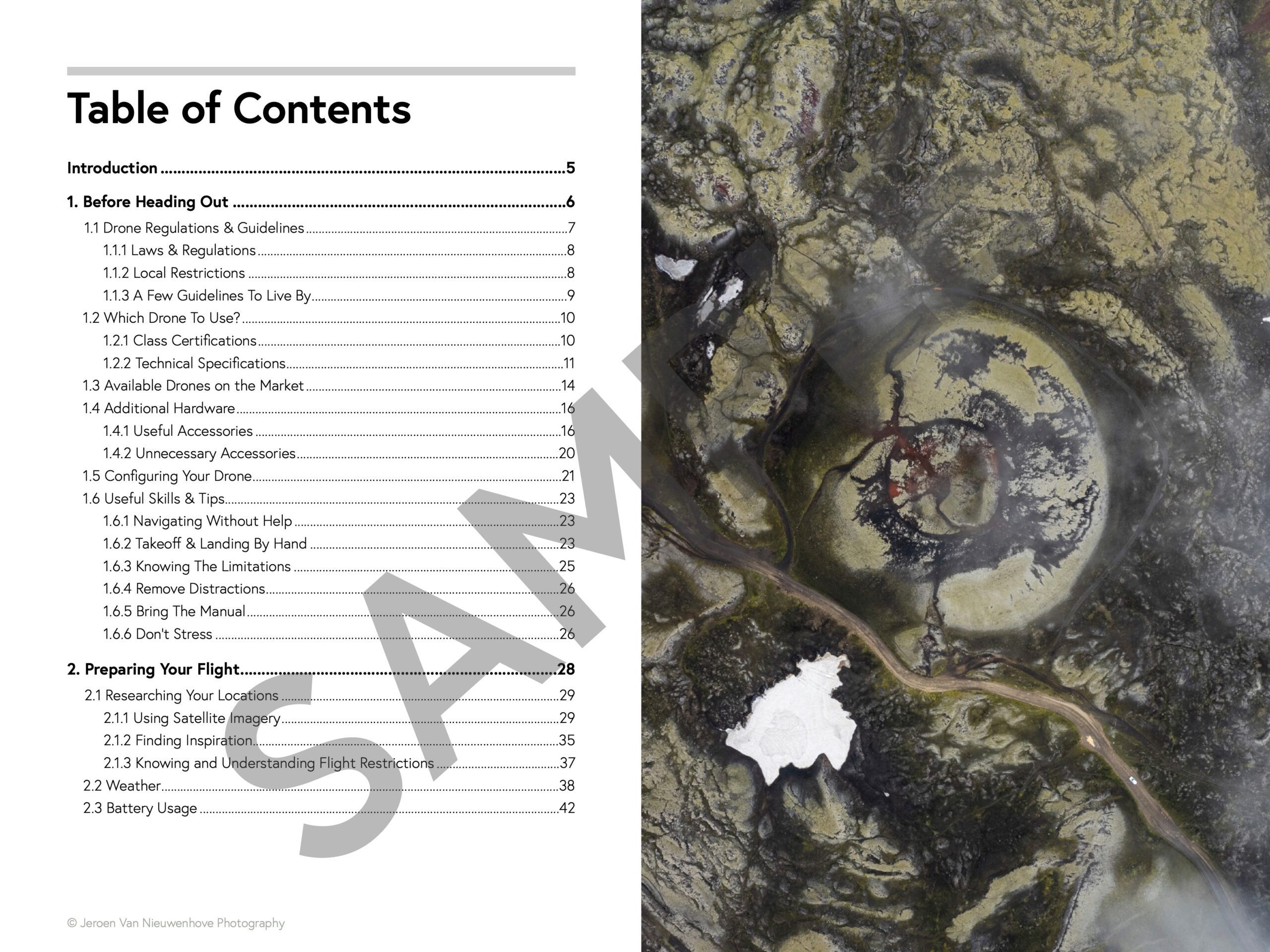
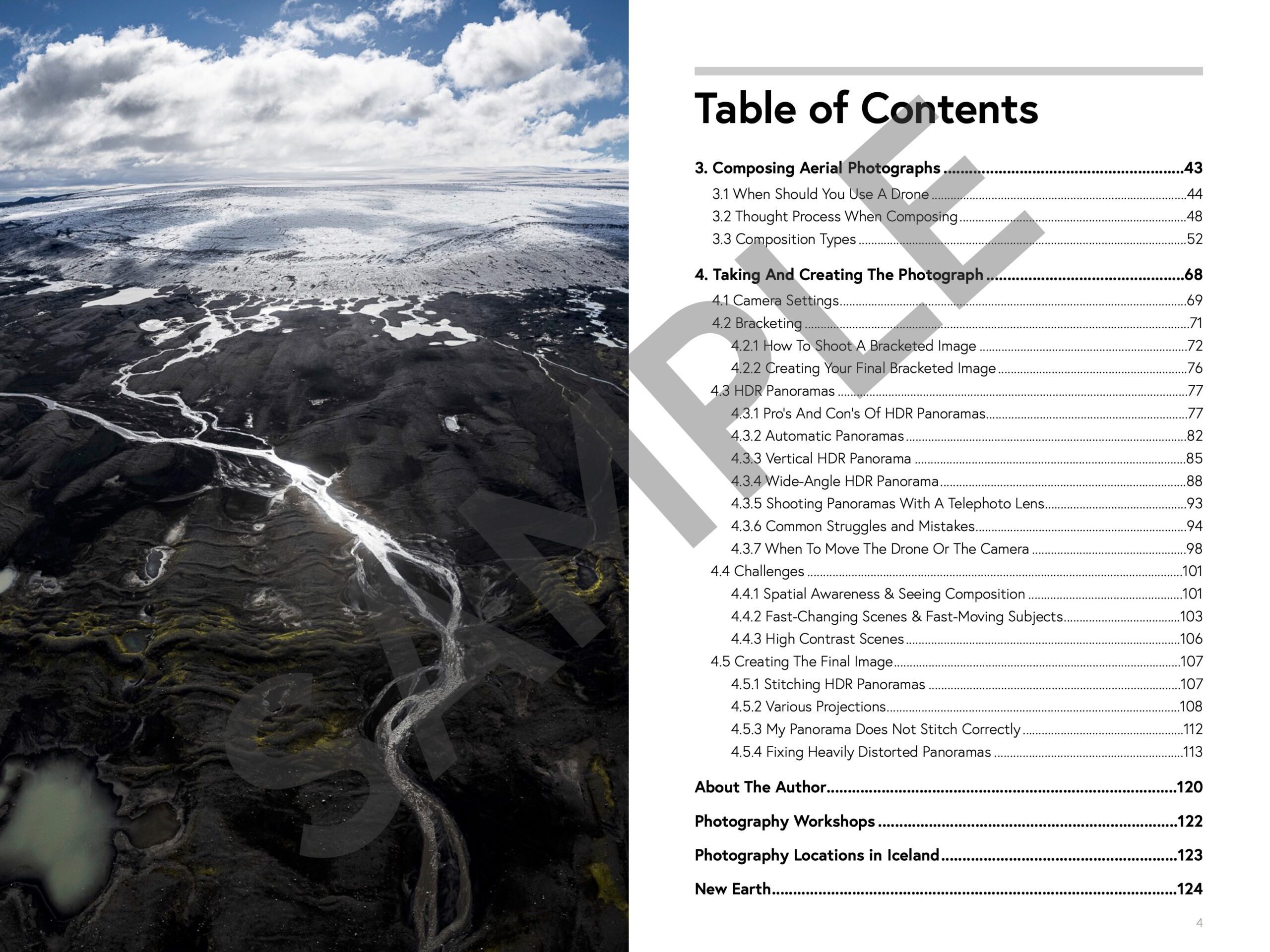
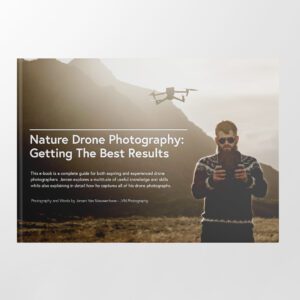
Want to learn how to get the best results with your newly purchased drone? I wrote the most comprehensive guide available on drone photography which teaches you a technique to get the DSLR-like results out of even the cheapest drones.
In 125 detailed pages I explore everything you need to know to start creating the best photographs using any type of drone. Whether you are a complete beginner or an advanced drone pilot, this e-book contains a vast amount of information to level up your drone photography skills.
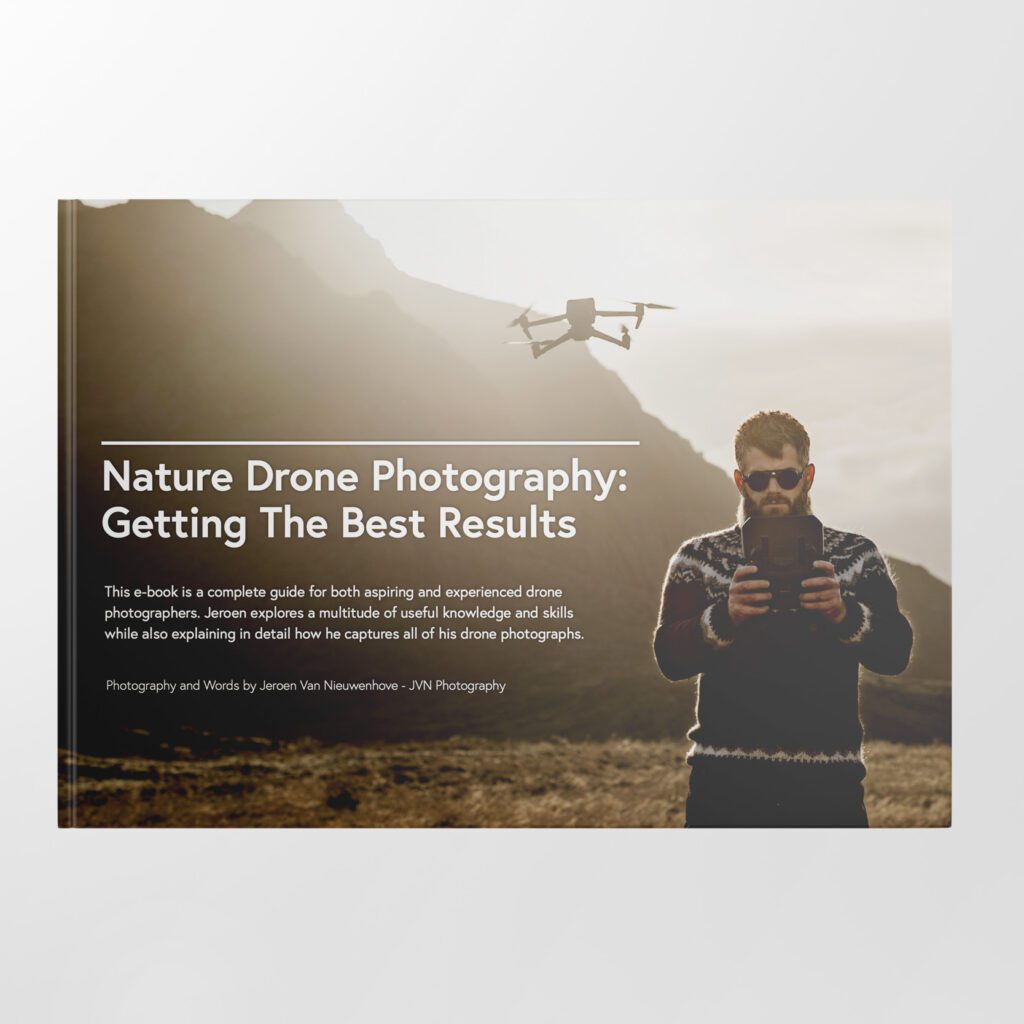
What to Expect?
- A 125-page educational PDF about nature drone photography with very detailed explanations
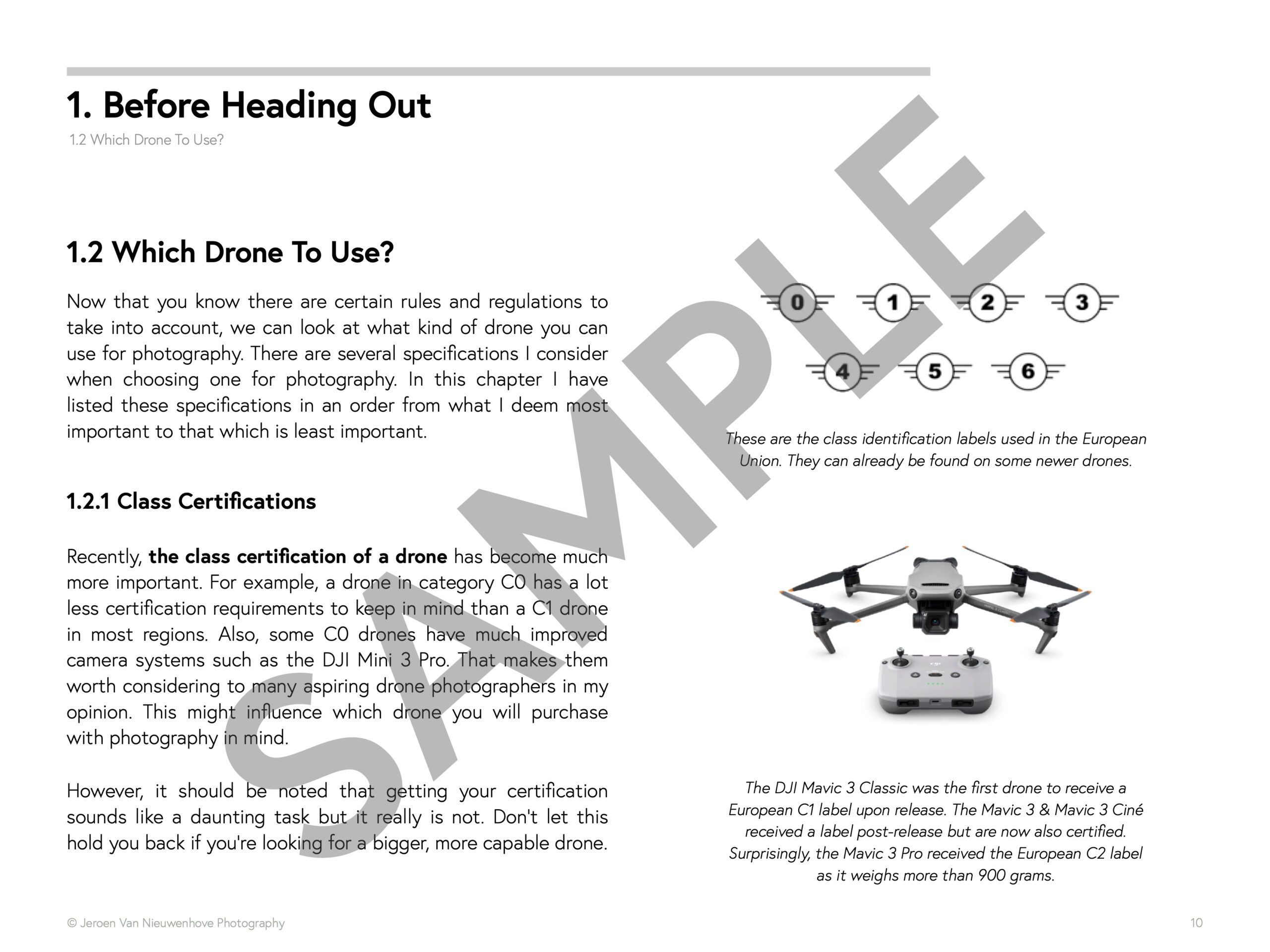
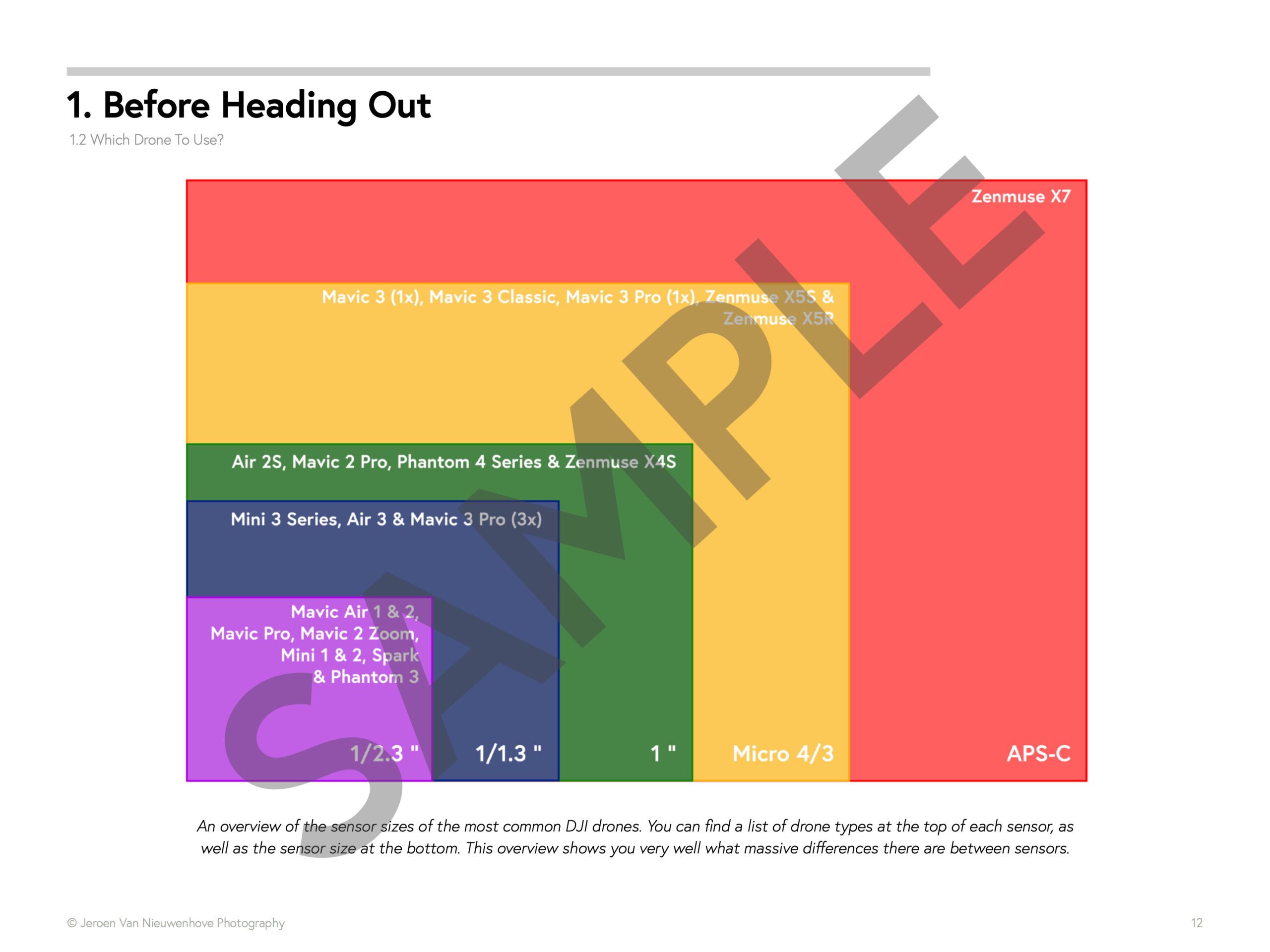
- Which drone to get for photography and why
- Important settings and configuration options
- A list of useful skills & tips
- A list of useful accessories and what not to buy at all
- How to research locations for drone photography
- How to compose with a drone and insight into Jeroen’s thought process with plenty of examples
- Thoughtfully planning ahead for your drone shoot
- The how and why of creating bracketed images
- The how and why of shooting HDR panoramas
- What challenges you might face and how to deal with them
- Common mistakes & how to deal with them
- How to stitch your panoramas together
Use EBOOK20 to get 20% off your Nature Drone Photography (E-Book) purchase!
Support Jeroen’s Work
As an independent photographer, Jeroen partially relies on your support to keep producing worthwhile content such as blogs, photographs, books and much more. If you want to support his work, it is possible to do so by buying his e-books & books or prints.
You can also sign up to the newsletter to stay up to date on new blog posts, projects, workshops and other interesting information.
Thank you for considering!







Jeroen, Great work, and thanks for all the info you share.
Useful reminders Jeroen, thank you!